Sodium Create

Turn policies and expertise into training in minutes.

Turn policies and expertise into training in minutes.

Sodium Learn's built-in authoring tool lets your team go from source material to structured, interactive content with AI assistance at every step.

Sodium Learn's built-in authoring tool lets your team go from source material to structured, interactive content with AI assistance at every step.

One platform · Seamless collaboration · Publish when approved

One platform · Seamless collaboration · Publish when approved

From documents to course ready

Policies change, audits loom and new starters arrive, but your knowledge is scattered across documents, drives and experts. Upload a document or policy and Sodium turns it into structured, interactive and ready to go content.

Employee training from existing policies

Onboarding modules from procedure documents

Annual refreshers from last year's content

Shorter learning units from long manuals

Knowledge checks grounded in your content.

Good questions take time to write. Sodium reads your content and proposes relevant questions, or builds a quiz from a topic. Review and edit every question in the Quiz builder.

Single & Multiple choice

Fill in the blank

Reorder

Match pairs

How it works

AI that works where you build.

Plan, create and refine in one workflow, inside the authoring canvas. No copy-pasting between tools.

Plan, create and refine in one workflow, inside the authoring canvas. No copy-pasting between tools.

1. Plan

Start with a plan, not a blank page.

Give Sodium a topic, goal or brief. It asks a few clarifying questions, then proposes an outline you can extend before anything is generated.

Chat with AI

Define learning objectives

Generate structured outlines

A clear structure to review from the start.

Course authoring interface for creating an introduction module with pages and content blocks.

Start with a plan, not a blank page.

Give Sodium a topic, goal or brief. It asks a few clarifying questions, then proposes an outline you can extend before anything is generated.

Chat with AI

Define learning objectives

Generate structured outlines

Course authoring interface for creating an introduction module with pages and content blocks.

2. Create

Generate structured content, not a text dump.

Sodium builds it on the canvas with interactive blocks ranging from: tables, lists, charts, tabs, accordions and many more.

Create a full course, a single module or one page

Generate from a prompt, a template or an uploaded file

Edit content immediately on the editor

A workable first draft in the time it takes to read the brief.

Learning management table showing learner progress, start dates, due dates, and enrolment details.

Generate structured content, not a text dump.

Sodium builds it on the canvas with interactive blocks ranging from: tables, lists, charts, tabs, accordions and many more.

Create a full course, a single module or one page

Generate from a prompt, a template or an uploaded file

Edit content immediately on the editor

A workable first draft in the time it takes to read the brief.

Learning management table showing learner progress, start dates, due dates, and enrolment details.

3. Refine

Improve and edit it in place.

Select text or a block and ask Sodium to improve it in context.

Summarise, reword, shorten or continue writing without leaving the editor

Change the tone for a different audience, or translate in place

Run a grammar check, or write your own prompt for anything else

AI speeds up the work. Your experts own the judgement.

Learner dashboard with summary cards and a jump-back-in course banner.

Improve and edit it in place.

Select text or a block and ask Sodium to improve it in context.

Summarise, reword, shorten or continue writing without leaving the editor

Change the tone for a different audience, or translate in place

Run a grammar check, or write your own prompt for anything else

Learner dashboard with summary cards and a jump-back-in course banner.

Content Review

From draft to approved, with a record at every step.

AI helps you create faster. A structured review process makes sure only approved content goes live.

1

Submit for review

Author submits content through the publish wizard.

2

Review and approve

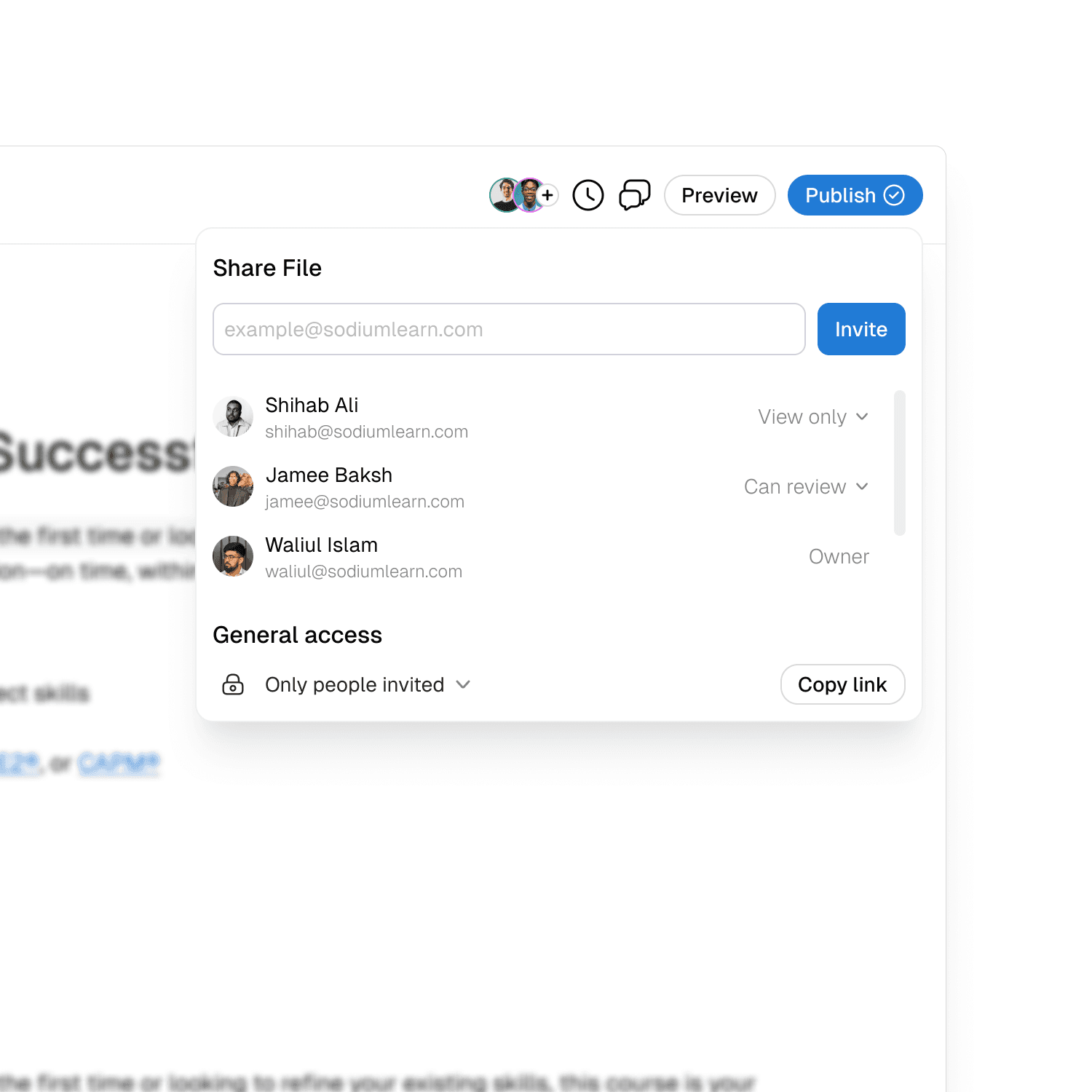
Content Admins are notified, review the submission and leave feedback or approve it.

3

Publish with a record

Approved content is published as a versioned snapshot, with the full review cycle retained in version history.

More features

Go beyond text. Build content learners actually engage with.

Interactive blocks created directly on the canvas, rendered natively in the Learn Player. No external tools, no SCORM packaging, no workarounds.

  • Article

    Structured learning content.

  • Video

    Watch and learn in context.

  • Quiz

    Reinforce knowledge quickly.

  • Flip Cards

    Practice with recall prompts.

  • Accordion

    Reveal detail progressively.

  • Tabs

    Organize related learning.

  • Hotspot Image

    Explore visual detail.

  • Multiple Choice

    Check understanding fast.

  • Fill in the Blank

    Complete key concepts.

  • Match Pairs

    Connect related ideas.

  • Reorder

    Sequence the right steps.

  • Feedback

    Give guidance in the flow.

  • Embed

    Bring in live resources.

  • Quote

    Call out expert insight.

  • Table

    Compare information clearly.

  • Image

    Add visual context.

  • Article

    Structured learning content.

  • Video

    Watch and learn in context.

  • Quiz

    Reinforce knowledge quickly.

  • Flip Cards

    Practice with recall prompts.

  • Accordion

    Reveal detail progressively.

  • Tabs

    Organize related learning.

  • Hotspot Image

    Explore visual detail.

  • Multiple Choice

    Check understanding fast.

  • Fill in the Blank

    Complete key concepts.

  • Match Pairs

    Connect related ideas.

  • Reorder

    Sequence the right steps.

  • Feedback

    Give guidance in the flow.

  • Embed

    Bring in live resources.

  • Quote

    Call out expert insight.

  • Table

    Compare information clearly.

  • Image

    Add visual context.

  • Article

    Structured learning content.

  • Video

    Watch and learn in context.

  • Quiz

    Reinforce knowledge quickly.

  • Flip Cards

    Practice with recall prompts.

  • Accordion

    Reveal detail progressively.

  • Tabs

    Organize related learning.

  • Hotspot Image

    Explore visual detail.

  • Multiple Choice

    Check understanding fast.

  • Fill in the Blank

    Complete key concepts.

  • Match Pairs

    Connect related ideas.

  • Reorder

    Sequence the right steps.

  • Feedback

    Give guidance in the flow.

  • Embed

    Bring in live resources.

  • Quote

    Call out expert insight.

  • Table

    Compare information clearly.

  • Image

    Add visual context.

Who is it for

Built for your team

Practical authoring for teams without a large L&D department.

Compliance and Operations

Turn changing requirements into clear, approved training.

HR and People

Launch onboarding without a production queue.

Subject matter experts

Contribute your knowledge without learning a complex tool.

Stop stitching training together from separate tools.

Writing, approving and publishing shouldn't need three different tools. Sodium does all three in one place.

What your team needs to do

Separate tools

Sodium Learn

Turn a policy into training

Retype, paste, reformat

Upload a PDF or DOCX, get interactive & editable content

Let experts contribute

Wait for a specialist or an agency to build it

Edit together on the editor

Keep training current

Rebuild and re-export

Update using AI and republish

Show who approved what

Email and shared drives

Built-in approval and audit trail

Get it to learners

Export, then re-upload into another platform

Publish directly on the same platform

Control access

Separate logins per tool

One set of roles, including AI access

FAQ

Everything you need to know

Can't find your answer? Get in touch

Can I edit everything the AI generates?

Yes. Generated content lands on the canvas as native Sodium components, with no locked AI output.

What files can I upload?

Any .pdf, .docx, doc, .pptx document formats

Who can use the AI features?

Users with authoring access. Admins control access through roles and permissions.

Is my content used to train AI models?

No. Your content is processed only to provide the AI features you use. It isn't used to train AI models, and it stays within your organisation's environment. AI-generated content is never shared across organisations.

Do I still need a separate authoring tool or LMS?

No. You create, review, publish and deliver in Sodium.

How is AI usage priced?

AI-assisted authoring runs on a monthly credit allowance shared across your organisation. Your allowance depends on your plan and refreshes every month. Admins can see usage and top up if needed.

Can I edit everything the AI generates?

Yes. Generated content lands on the canvas as native Sodium components, with no locked AI output.

What files can I upload?

Any .pdf, .docx, doc, .pptx document formats

Who can use the AI features?

Users with authoring access. Admins control access through roles and permissions.

Is my content used to train AI models?

No. Your content is processed only to provide the AI features you use. It isn't used to train AI models, and it stays within your organisation's environment. AI-generated content is never shared across organisations.

Do I still need a separate authoring tool or LMS?

No. You create, review, publish and deliver in Sodium.

How is AI usage priced?

AI-assisted authoring runs on a monthly credit allowance shared across your organisation. Your allowance depends on your plan and refreshes every month. Admins can see usage and top up if needed.

Create the training your organisation needs, without the production bottleneck.

Bring every learning workflow into focus

See how Sodium turns your briefs, policies and documents into approved, editable training.